
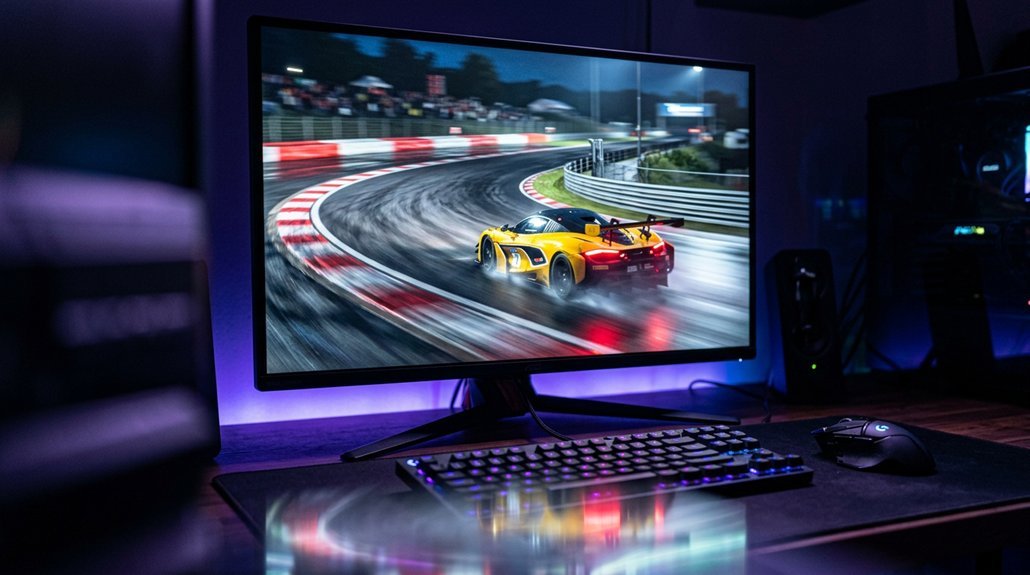
Refresh rate is the heartbeat of your gaming display, and picking the wrong one can leave your setup either overpowered or frustratingly limiting. You might think higher always means better, but that’s not the whole story. Your game type, your GPU’s horsepower, and your budget all factor into what you actually need. The answer might surprise you.
Key Takeaways
- For casual or story-driven games, 60–144 Hz is sufficient; the smoothness gains beyond that range offer minimal real-world benefit.
- Competitive shooters benefit most from 240 Hz, but only if your GPU consistently delivers near-240 FPS.
- 144–165 Hz is the practical sweet spot for mixed game libraries on mid-to-high-end hardware.
- A high refresh rate means little if pixel response time is slow; ghosting and smearing will still degrade motion clarity.
- Your GPU must consistently hit frame rates near your monitor’s refresh ceiling, or the upgrade won’t deliver its promised benefits.
How Refresh Rate Controls What You See on Screen
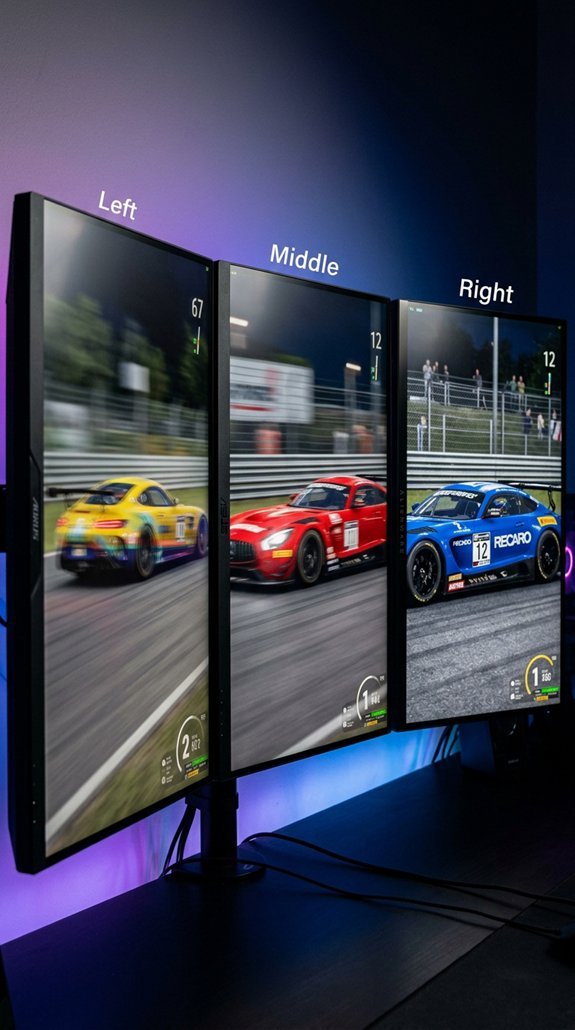
Before diving into frame rates, GPU specs, or input lag, it helps to understand what a refresh rate actually does, because everything else builds on this.
Your monitor updates its image a set number of times per second, measured in hertz. At 60 Hz, that’s once every 16.7 ms.
A monitor refreshes its display a fixed number of times per second — at 60 Hz, that happens every 16.7 milliseconds.
Each held frame creates perceptual persistence, where your eye sees motion as slightly smeared rather than sharp. Higher refresh rates reduce that window, cutting temporal aliasing and making fast movement look cleaner.
And yes, the difference between 60 Hz and 144 Hz is genuinely noticeable once you’ve seen it! Many smart home displays and connected devices now support higher refresh rates as the technology becomes more widely adopted. When your FPS exceeds your monitor’s refresh rate, screen tearing can occur, causing parts of multiple frames to appear simultaneously on screen.
What Higher Refresh Rates Actually Do to Smoothness and Input Lag
Now that you know how refresh rate controls what you see, it’s worth looking at what actually changes when you push that number higher.
Two things improve: smoothness and input lag. Motion looks more continuous because your display samples movement more often, which reduces temporal aliasing, that stepped, stuttery look during fast pans. And display-side input lag drops because your monitor waits less between refreshes. At 60Hz you’re waiting up to 16.7ms. At 240Hz, that shrinks to 4.17ms. But perceptual thresholds mean gains diminish fast above 144Hz, so bigger jumps deliver bigger benefits!
Most displays today are sample-and-hold, meaning each frame stays on screen for the full duration of a refresh cycle rather than being replaced by a black gap, which is why eyes tracking fast motion perceive blur even on high-resolution panels. Similarly, pairing a high-refresh monitor with a capable vacuum setup mirrors how consistent daily maintenance and deep-cleaning power work best together, each tool handling what it does best.
Is 60Hz Still Good Enough for Gaming?
For casual gaming, 60Hz still holds up surprisingly well. If you’re playing RPGs, strategy games, or story-driven titles, you probably won’t notice any meaningful limitations. 60Hz updates your screen every 16.67ms, which feels smooth enough when the game isn’t demanding split-second reactions. And your ambient lighting setup matters more than your refresh rate in those relaxed sessions!
But competitive ergonomics change everything. Fast-paced shooters, battle royales, and fighting games expose 60Hz quickly, making motion tracking harder and response feel sluggish. Higher refresh rates help you track moving targets more effectively, giving you a real edge in reaction-dependent situations. Just as robot vacuums use LiDAR navigation technology to map and respond to environments with precision, competitive gaming hardware relies on high refresh rates to accurately capture and display fast-moving action. So think of 60Hz as a solid entry point, not a finish line.
Why 144Hz Is the Sweet Spot for Most Gamers
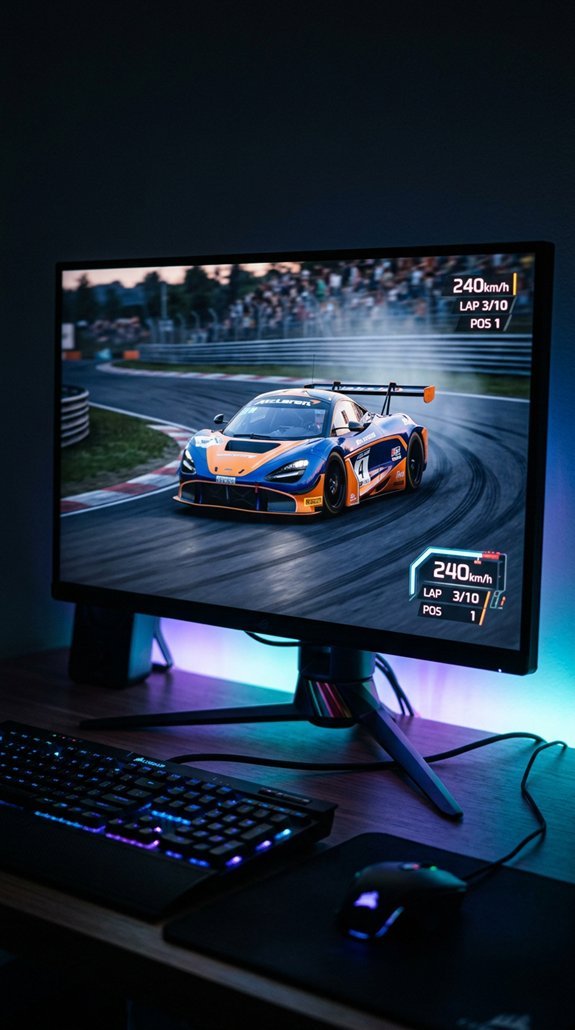
Once you step past 60Hz, the next stop on most people’s upgrade path is 144Hz, and it’s easy to see why it keeps showing up as the go-to recommendation.
Your display refreshes 144 times per second, which dramatically improves motion clarity during fast camera sweeps, enemy tracking, and rapid gunfights. And the competitive ergonomics are real: lower input latency sharpens your aiming and reaction timing noticeably.
Mid-range hardware can actually sustain the frame rates needed here, unlike 240Hz targets. It’s accessible, widely available, and delivers the biggest visible smoothness jump before diminishing returns kick in!
Cards like the RTX 5070 or RX 8800 XT typically land between 90 and 130 FPS in demanding AAA titles at 1440p high settings, making 144Hz a practical ceiling rather than an aspirational one for most mid-range builds. Pairing your setup with an ergonomic office chair can also reduce fatigue during long gaming sessions, helping you stay focused and perform consistently over time.
When Does a 240Hz Refresh Rate Actually Make a Difference?
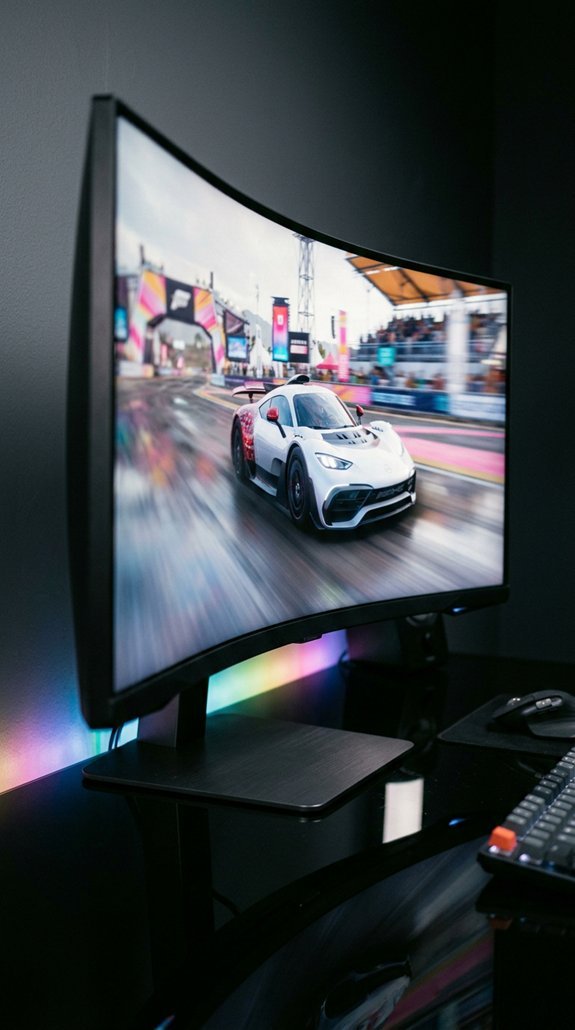
Stepping up to 240Hz is a real upgrade, but it’s a targeted one, and whether it actually changes your experience depends heavily on what you’re playing and how fast your system runs. Your peripheral sensitivity plays a big role here too. Players who notice subtle motion differences benefit most.
| Factor | 144Hz | 240Hz |
|---|---|---|
| Refresh Interval | 6.94 ms | 4.17 ms |
| Best Use Case | Most genres | Competitive training |
| Frame Pacing Demand | Moderate | High |
And your PC must consistently deliver near 240 FPS, otherwise those gains shrink fast! Fast-paced competitive titles like Valorant, CS2, and Apex Legends are where 240Hz truly shines, while slower strategy games and cinematic RPGs offer far less noticeable benefit.
360Hz Is Only Worth It for These Players
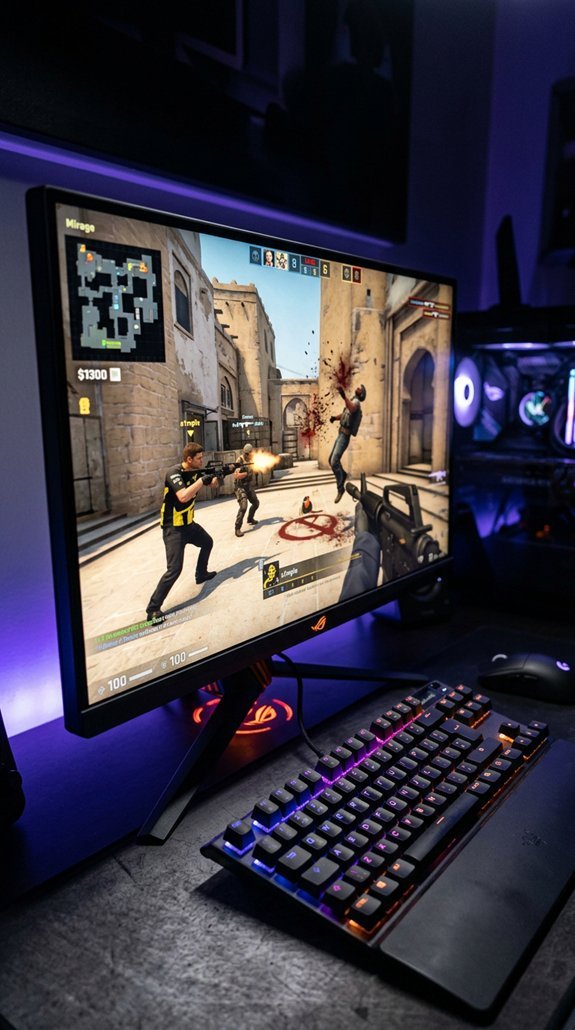
360Hz monitors are genuinely exciting, but they’re built for a very specific kind of player, and buying one without matching the right profile means leaving most of that investment on the table.
You’ll get real value here if you’re competing seriously, running 300+ FPS consistently, and can actually register latent perceptual differences in motion clarity.
The sweet spot is:
- Pro tournament or high-ranked play in CS2, Valorant, or Overwatch 2
- Hardware that sustains 300+ FPS so the panel isn’t starved
- Flick-shot and tracking mechanics where milliseconds genuinely separate wins from losses
Much like choosing between cordless drill models, where matching the tool’s specs to your actual workload determines whether the investment pays off, pairing a 360Hz monitor with the right hardware and skill level is what makes the upgrade worthwhile.
Your PC Needs to Match Your Monitor’s Refresh Rate
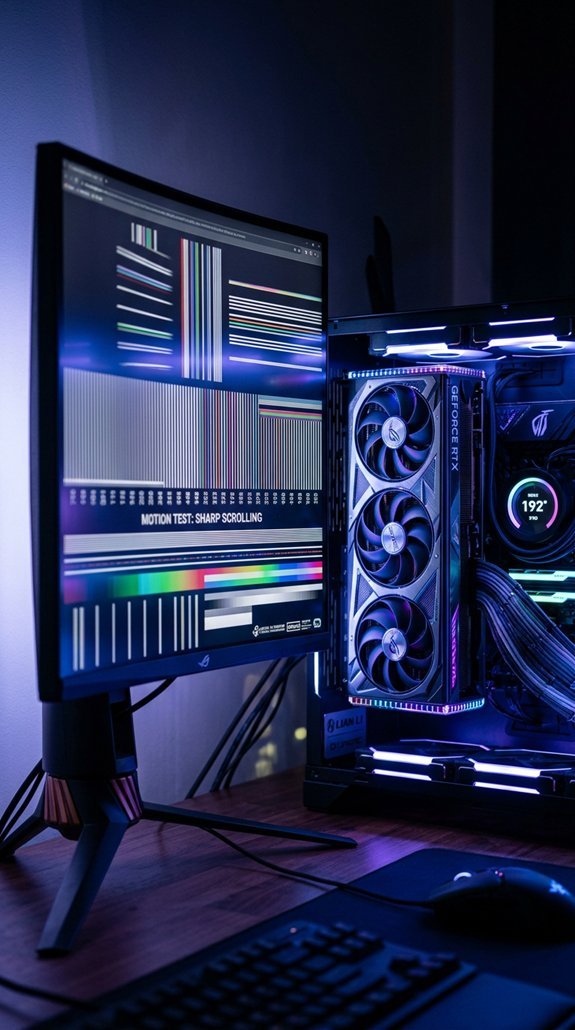
Buying a high-refresh monitor without the PC hardware to back it up is like buying racing tires for a car that tops out at 40 mph. Your GPU and CPU need to consistently hit frame rates near your display’s Hz ceiling. Frame pacing matters too since uneven frame delivery creates stutter even when average FPS looks fine.
Keep frame capping slightly below your max, like 141 FPS on a 144 Hz panel, to help maintain consistency. And enable Adaptive Sync in both your monitor settings and GPU driver. Matching your output to your display is where smooth gameplay actually lives!
Slow Pixel Response Can Undermine Any Refresh Rate
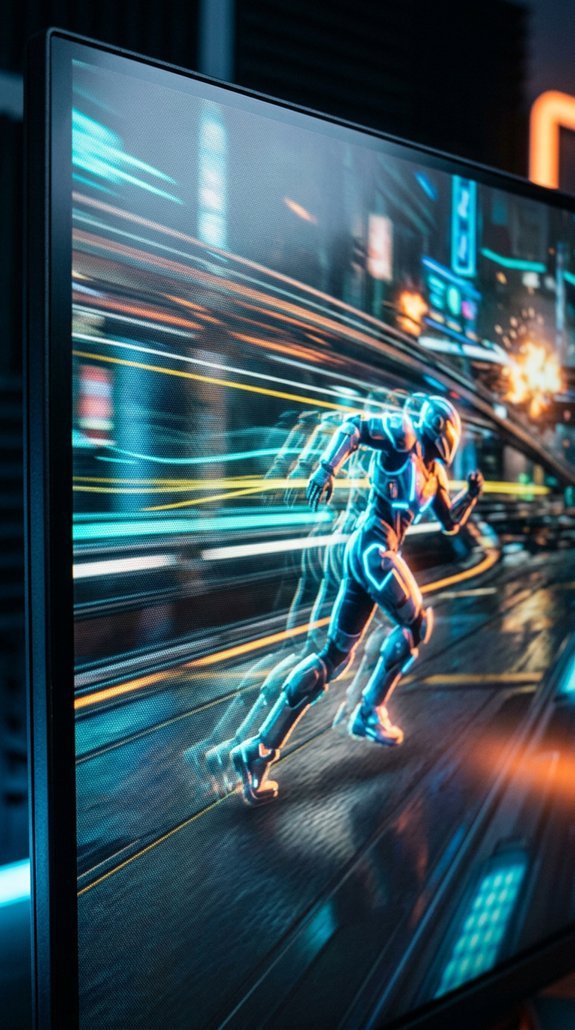
Getting your PC hardware aligned with your monitor’s refresh rate is a solid foundation, but it’s only part of the picture. Pixel response time also matters enormously. A slow pixel can leave stale color visible into the next frame, causing ghosting and smearing.
- Pixel persistence compounds sample-and-hold blur, softening motion even on 240 Hz panels
- At 144 Hz, each frame lasts roughly 6.94 ms, so an 8 ms response already falls behind
- Overdrive artifacts like halos appear when aggressive settings push shifts too hard
Both specs together determine real motion clarity!
The Right Refresh Rate for Your Game Type and Budget
Choosing the right refresh rate really comes down to two things: what you play and what you’re willing to spend. Budget tiers make this easier than you’d think!
For casual or story-driven games, 60Hz to 144Hz covers you well. Competitive shooters and esports? Go 240Hz if your hardware can sustain those frame rates. And for mixed libraries, 144Hz to 165Hz hits the sweet spot, delivering serious smoothness without premium pricing.
Mobile gaming aside, PC players get the most from matching their monitor’s refresh rate to their actual GPU output and gameplay style.
Frequently Asked Questions
Can a High Refresh Rate Monitor Reduce Eye Strain During Long Sessions?
Yes, a high refresh rate can reduce your eye strain by improving motion clarity and visual comfort, but you’ll still need proper brightness, reduced glare, and regular breaks for full relief.
Does Refresh Rate Affect How a Monitor Performs for Non-Gaming Tasks?
Yes, refresh rate affects your non-gaming productivity smoothness. You’ll notice smoother scrolling and window dragging between 75Hz–120Hz, but color accuracy and display quality matter far more for comfortable, effective daily work.
Are High Refresh Rate Monitors More Likely to Have Shorter Lifespans?
High refresh rate monitors don’t inherently have shorter lifespans. Your panel type, brightness habits, and thermal management matter far more. Manufacturing variability also plays a role, but refresh rate itself isn’t what kills your monitor.
Can Refresh Rate Settings Be Adjusted Without Entering the Game Itself?
Why go through a game’s menu? You can adjust refresh rate settings in display menus or through operating system settings before launching anything, giving you full control over your display’s performance.
Do All HDMI and Displayport Cables Support High Refresh Rate Signals Equally?
No, they don’t. Cable bandwidth determines what refresh rates you can actually achieve, not just connector versions. You’ll need a certified Ultra High Speed HDMI or high-rated DisplayPort cable to support demanding high-refresh signals.
Conclusion
You’ve got the goods now to make a smart, savvy selection. Pick the perfect pairing of refresh rate and GPU power, and you’ll game with genuine confidence. At 144Hz, most players find their sweet spot, but competitive contenders can climb to 240Hz if their rig’s ready. Know your needs, nail your budget, and don’t overthink it. The best refresh rate is simply the one that matches how you actually play!