
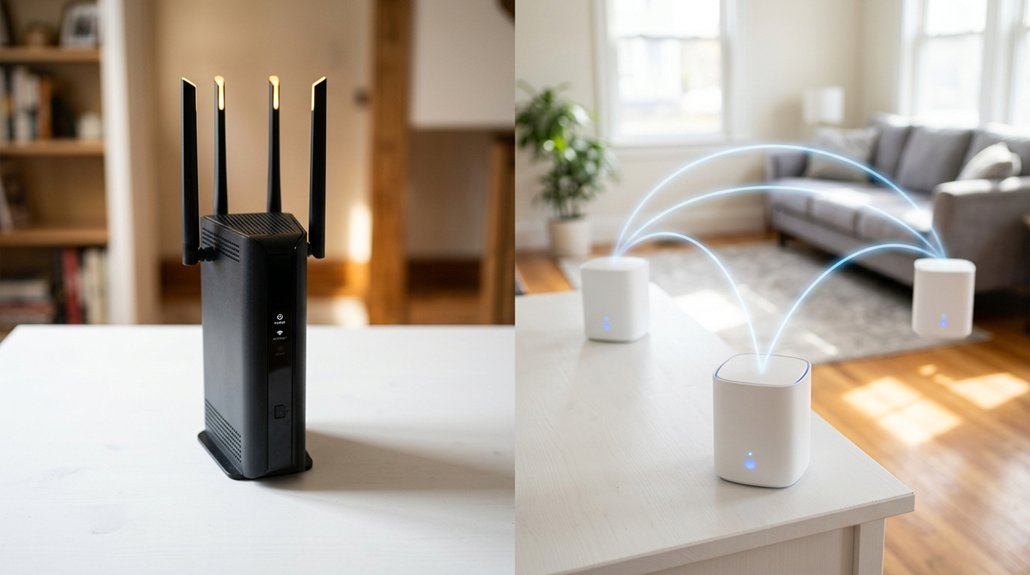
If your two-bedroom apartment keeps dropping signal in the bathroom, you’re probably wondering whether a mesh system is worth the upgrade. Both setups have real strengths, and the right choice depends on your home’s size, layout, and how many devices you’re juggling. We’ll break down exactly where each system wins so you can stop guessing and start connecting.
Key Takeaways
- A single router suits homes under 1,500 sq ft, while mesh systems become the safer choice for homes exceeding 3,000 sq ft.
- Routers deliver faster same-room speeds (~950 Mbps), but mesh maintains stronger whole-home performance (~400–600 Mbps) across floors and distance.
- Mesh systems efficiently support 150+ devices through load balancing; traditional routers typically begin throttling around 50–75 connected devices.
- Mesh setup is simpler through app-based onboarding, while traditional routers rely on browser-based admin pages with scattered settings menus.
- Budget routers start near $50, while basic mesh 2-packs begin around $150, scaling up to $1,000+ for premium systems.
Router vs Mesh WiFi: What’s Actually Different?
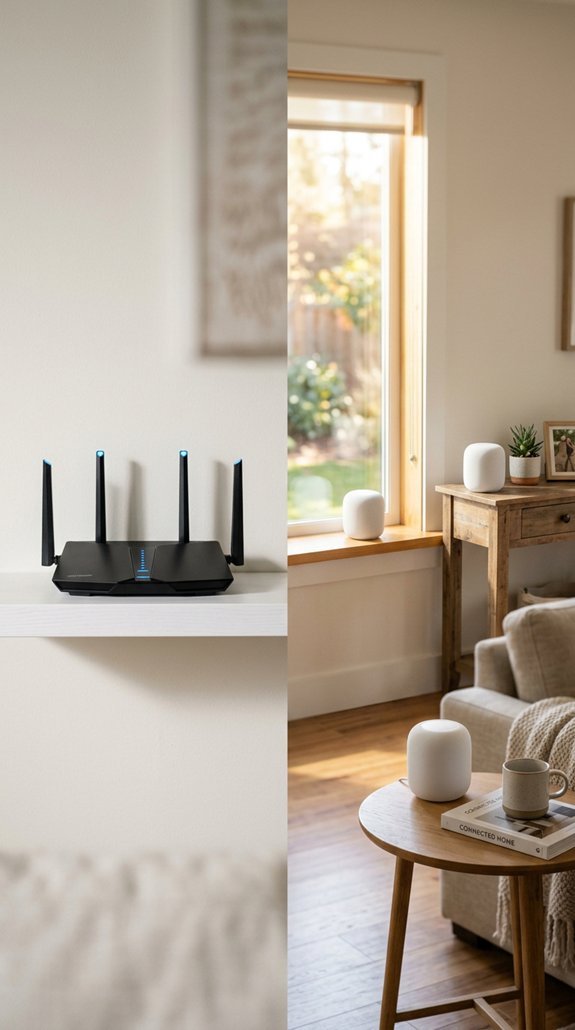
When you’re comparing a traditional WiFi router to a mesh WiFi system, the core difference comes down to how and where the signal originates.
A router broadcasts from one fixed point, so signal propagation weakens as distance and walls increase.
A mesh system uses multiple nodes working together, creating a distributed network topology where coverage spreads from several locations simultaneously.
Both use one network name and password.
But mesh nodes coordinate automatically, handing your devices off between units as you move.
A single router keeps things simple. Mesh keeps things consistent.
Materials like brick, concrete, and plaster block WiFi signals more aggressively, making a distributed mesh approach more effective in those environments.
For larger homes or multi-story layouts, mesh WiFi systems can eliminate the dead zones that a single router simply cannot reach.
Your space and needs determine which approach actually serves you better!
Does Your Home Size Determine Which System You Need?
For most homes, square footage is the first and most natural place to start when you’re deciding between a router and a mesh system.
Under 1,500 sq ft, a single router usually handles things well.
For homes under 1,500 square feet, a single router is typically all you need to get the job done.
Between 1,500 and 3,000 sq ft, you’re sitting right at the square footage threshold where layout impact starts mattering more. Multiple floors or thick walls can push you toward mesh even at smaller sizes.
Above 3,000 sq ft, mesh becomes the safer bet. Just like indoor air quality systems work best when coverage is distributed evenly throughout a home, mesh networks distribute signal through multiple nodes rather than relying on one central point.
And past 4,500 sq ft, you’re almost certainly looking at multiple nodes! If you’re troubleshooting coverage in a larger home, MontanaSky’s help center offers guided support for connection issues across different setups.
Where Does Each System Win on Speed and Coverage?
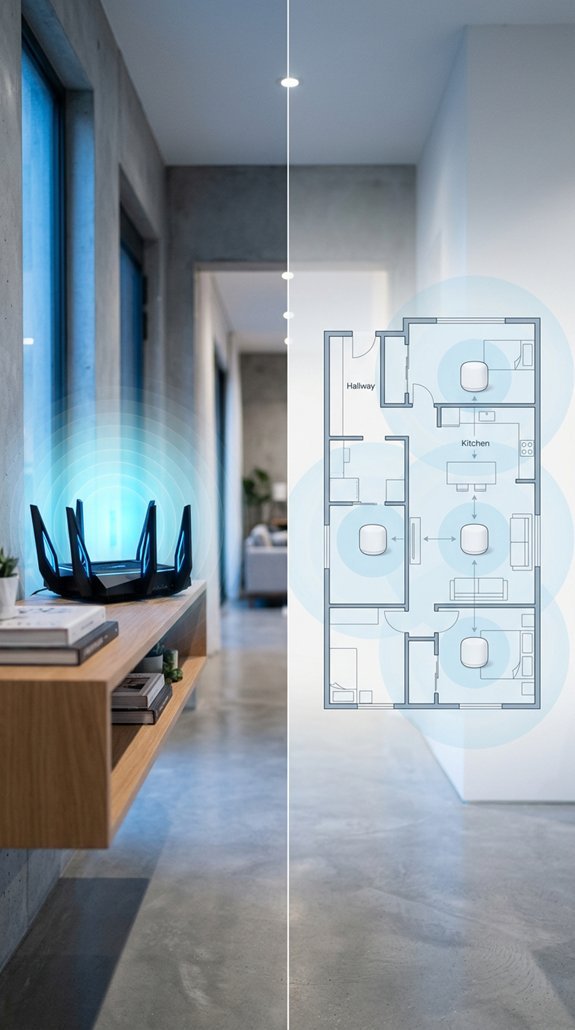
Speed and coverage aren’t one-size-fits-all, and that’s actually the key to understanding which system makes sense for your home. Here’s where each wins:
Routers dominate peak throughput up close. Same-room speeds can hit 800-950 Mbps, beating mesh’s 700-850 Mbps.
Mesh wins the coverage tradeoffs game. Across the house, routers can drop to 100-250 Mbps, while mesh holds 400-600 Mbps. On different floors, routers fall to 50-150 Mbps, but mesh stays around 350-550 Mbps.
Bottom line:
- Want raw speed nearby? Go router.
- Want consistent speeds everywhere? Go mesh.
- Mesh systems can handle 150+ devices efficiently through load balancing, while traditional routers typically begin throttling at 50-75 devices.
Which One Handles More Devices and Dead Zones Better?
Raw speed matters, but it only tells part of the story. Device distribution is where mesh systems really shine. TP-Link’s Deco line supports up to 200 devices, spreading the load across multiple nodes instead of choking one router. And when every device funnels through a single hub, performance drops fast.
Dead zones are another win for mesh. Smart node placement, roughly halfway between your router and the weak room, restores signal without adding extra hardware. But nodes placed too far apart or near thick walls still cause problems. Placement matters just as much as how many nodes you install! Unlike simple extenders, mesh nodes communicate and coordinate with each other to manage device connections across the entire network. For the best whole-home coverage, many experts recommend pairing both systems — a primary router for raw throughput and mesh nodes for consistent distribution across every room.
How Do Router and Mesh WiFi Costs Actually Compare?
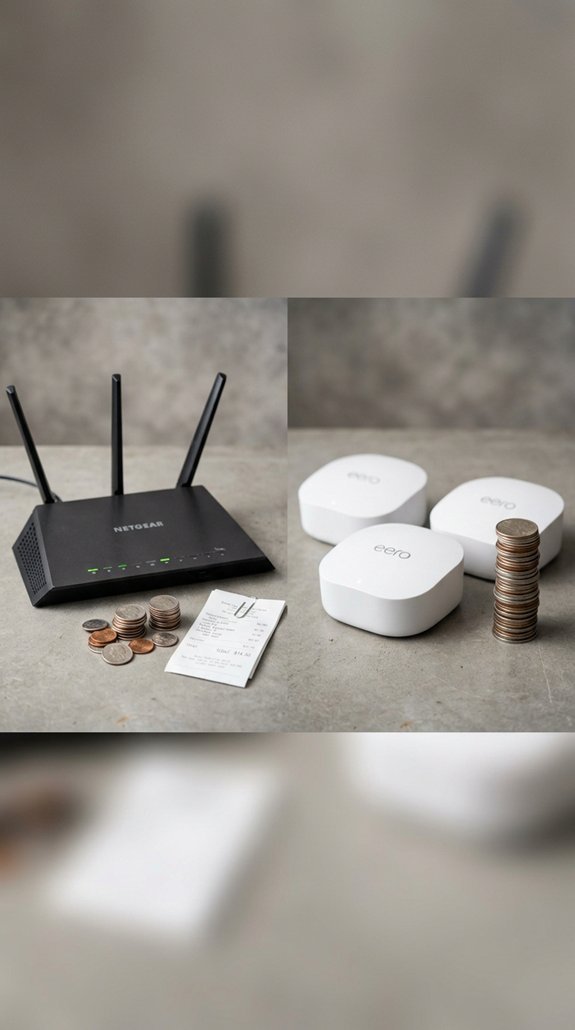
Cost is one of the sharpest differences between a traditional router and a mesh system, and it’s worth breaking down before you commit to either.
Your initial investment for a budget router starts around $50, while a basic mesh 2-pack begins near $150. But lifetime cost tells a fuller story!
- Routers plus extenders can run $200–$350 for larger homes
- Mesh 3-packs often land between $200–$400
- Premium mesh systems can exceed $1,000
- Some systems add optional subscription fees over time
And sometimes buying cheap upfront costs more later. For example, the Orbi 970 Series offers a 1 router and 2 satellite package at $1,999.99, covering up to 10,000 square feet with WiFi 7 performance. Similarly, smart home devices like portable air conditioners now feature WiFi app control and voice command support, reflecting how connected technology across categories continues to drive up the cost of premium setups.
Is Mesh WiFi Easier to Set Up and Manage Than a Router?
Setting up a mesh WiFi system is genuinely less intimidating than wrestling with a traditional router’s browser-based admin pages. App onboarding walks you through naming your network, creating a password, and pairing nodes in minutes.
And once everything’s running, a centralized dashboard puts device monitoring, guest networks, parental controls, and reboots in one place. No digging through separate menus!
Traditional routers can match these features, but their settings are often scattered across multiple pages. But if your home is small and one router covers everything, simpler might already be sitting on your shelf. For those building out a more complete setup, pairing your network with the right home office equipment can make a real difference in day-to-day productivity.
Which WiFi System Is the Right Fit for Your Home?
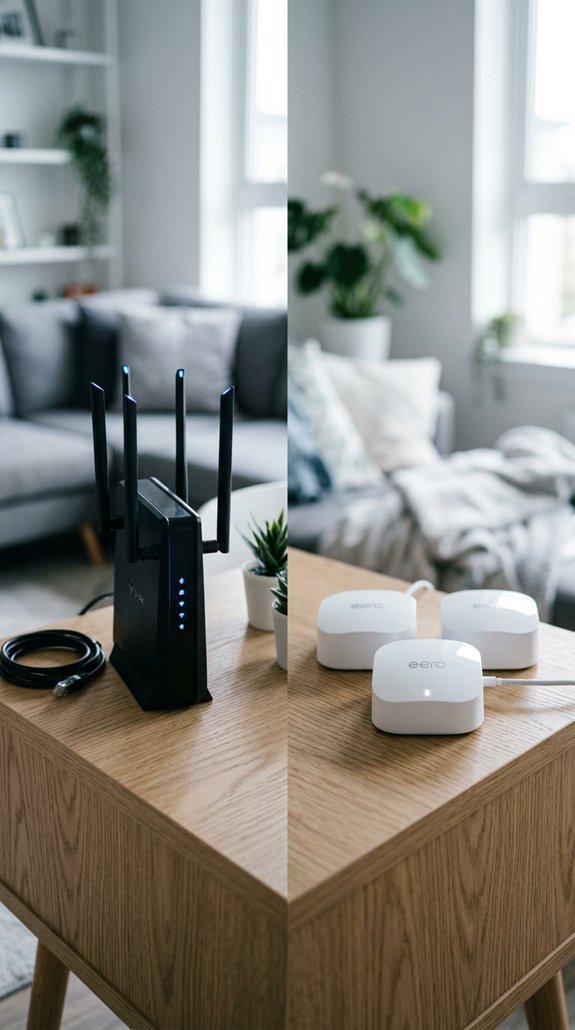
Picking the right WiFi system comes down to a few key factors: your home’s size, layout, building materials, and how your household actually uses the internet day to day.
- Under 2,000 sq ft, one level: A quality single router with smart placement tips handles this well.
- 2,000–3,000 sq ft gray zone: Layout, walls, and floors decide the winner.
- Above 3,000 sq ft: Mesh delivers the consistent whole-home coverage you need.
- Multi-story or brick homes: Strong mesh candidates regardless of square footage.
Always confirm ISP compatibility before purchasing either system!
Frequently Asked Questions
Can You Mix a Mesh Node With an Existing Traditional Router?
Yes, you can mix a mesh node with your traditional router, but you’ll need to take into account compatibility considerations. For hybrid configurations to work, you should enable bridge or access point mode to avoid conflicts.
Does Mesh Wifi Work With Any Internet Service Provider or Modem?
Picture a web connecting every device — mesh WiFi works with nearly any ISP, but you’ll need to check modem requirements and ISP compatibility to ensure your connection device supports your specific internet service.
Can a Mesh System Replace a Router, or Do Both Work Together?
A mesh system can serve as your router replacement, forming your network backbone on its own. You can also run both together, but you’ll need to set the mesh to access point mode.
How Many Mesh Nodes Does a Typical Home Actually Need?
Most homes need 2–3 nodes, but your number of nodes depends on square footage and layout. A smart placement strategy—accounting for floors and wall materials—ensures you’re getting full, reliable coverage.
Does Mesh Wifi Negatively Affect Online Gaming or Video Streaming Performance?
Worried about lag? Mesh WiFi can hurt gaming through latency concerns, packet loss, and signal interference. It’s also affecting your bandwidth allocation when multiple devices compete, though streaming’s more forgiving than competitive online play.
Conclusion
There’s no one-size-fits-all answer here. If you’re in a smaller space with light device use, a standalone router gets the job done without breaking the bank. But if you’re covering a larger home, multiple floors, or lots of devices, mesh WiFi is worth every penny. Know your space, know your needs, and you’ll land on the right system without second-guessing yourself!